Project Milestone Patterns
Milestone Summary
A static milestone summary card shows Northstar Launch, Beta review, and July 22, 2026 without scheduler APIs or project services.
Program
Milestone summaries should make project, milestone, and date readable without pretending to schedule or update anything.
milestone_summary_card.html
Visuals: captured from real browser rendering
<section class="milestone-card" aria-labelledby="milestone-title">
  <p class="eyebrow">Northstar Launch</p>
  <h2 id="milestone-title">Beta review</h2>
  <p><strong>Date</strong> <time datetime="2026-07-22">July 22, 2026</time></p>
  <p class="status">Upcoming milestone</p>
  <p class="note">Static milestone summary only; no scheduler API, calendar widget, project API, routing, or storage runs.</p>
</section>
<style>
  .milestone-card { display: grid; gap: 10px; max-width: 38rem; border: 1px solid #64748b; padding: 12px; }
  .milestone-card p, .note { margin: 0; }
  .eyebrow { color: #475569; font-weight: 700; }
  .status { border: 1px solid #60a5fa; background: #eff6ff; padding: 8px; }
  .note { color: #475569; }
</style>
Label the milestone summary.
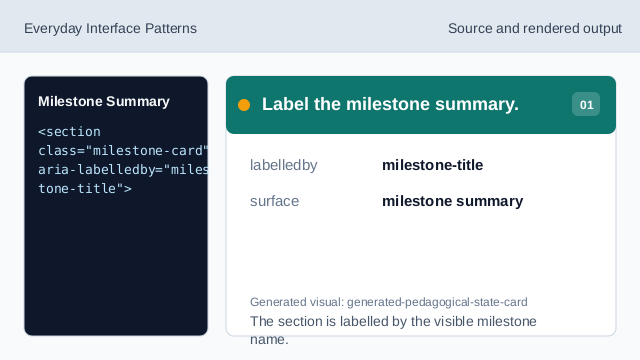
The section is labelled by the visible milestone name. Show the project context.
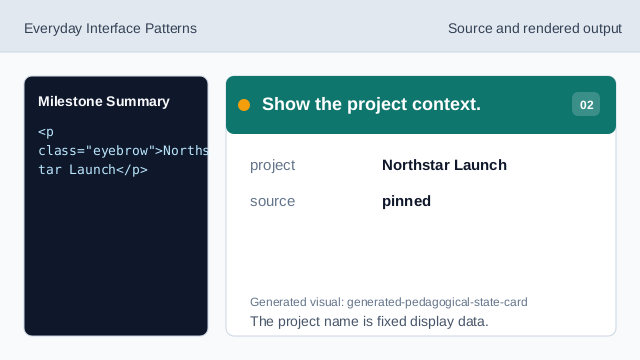
The project name is fixed display data. Show the milestone name.
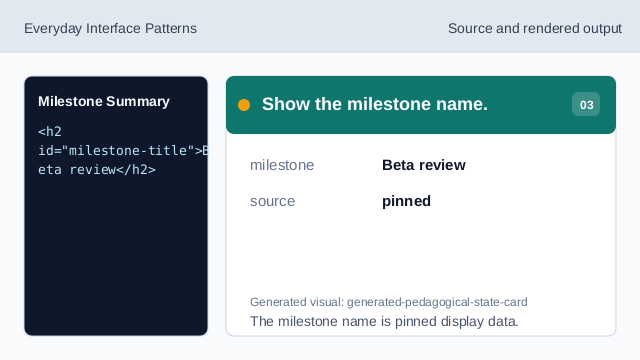
The milestone name is pinned display data. Use time for the milestone date.
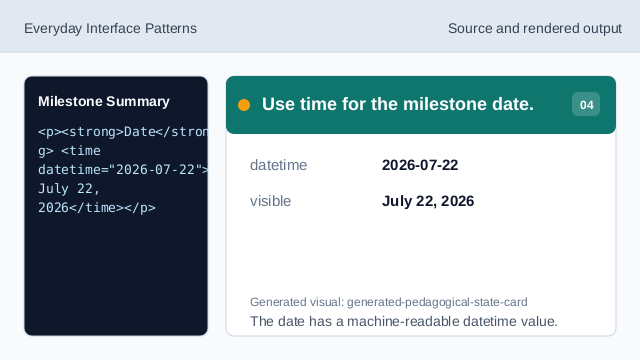
The date has a machine-readable datetime value. Show the user-facing state.
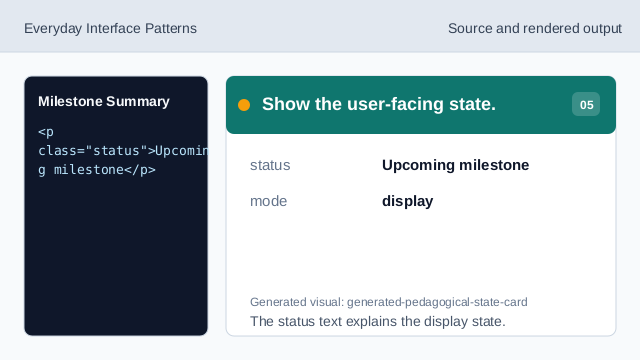
The status text explains the display state. Check milestone summary honesty.
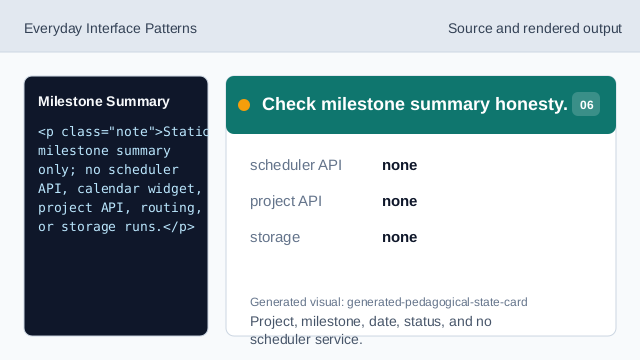
Project, milestone, date, status, and no scheduler service.
project context
Northstar Launch is visible above the milestone name.
machine-readable date
The visible date is paired with a datetime value.
no scheduler
The lesson should not imply scheduler APIs, calendar widgets, project APIs, routing, or storage.