Column Visibility Patterns
Hidden Column Notice
A static hidden-column notice shows Owner hidden column, Narrow screen reason, Show columns recovery, and Hidden column notice status.
Program
A hidden-column notice should explain what was hidden and how to bring it back.
hidden_column_notice.html
Visuals: captured from real browser rendering
<section class="hidden-column" aria-labelledby="hidden-column-title"><h2 id="hidden-column-title">Hidden column notice</h2><div class="notice-card" aria-label="Static hidden column notice"><span>Owner hidden</span><span>Narrow screen</span><span>Show columns</span></div><dl>
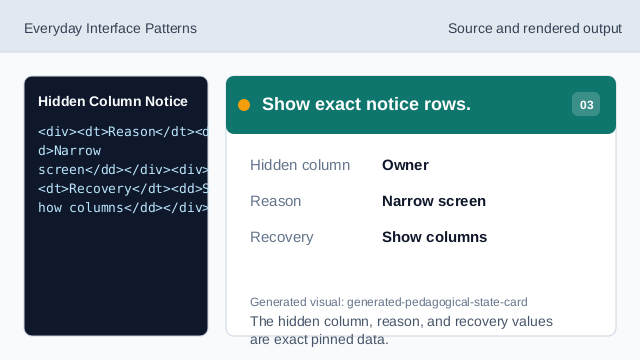
  <div><dt>Hidden column</dt><dd>Owner</dd></div>
  <div><dt>Reason</dt><dd>Narrow screen</dd></div><div><dt>Recovery</dt><dd>Show columns</dd></div>
  <div><dt>Status</dt><dd><span class="badge">Hidden column notice</span></dd></div></dl>
  <p class="check">Learner check: the hidden column and recovery are visible.</p>
  <p class="note">Static hidden column notice only; no column picker engine, checkbox event, click handler, media query listener, ResizeObserver, table measurement, column reflow, row mutation, sort algorithm, filter query, API, network, storage, cookie, script, event listener, form submit, input, textarea, contenteditable, timer, analytics, object URL, download, service worker, account/session behavior, live table, live column chooser, live responsive table, or live submission runs.</p></section>
<style>
  .hidden-column { display: grid; gap: 10px; max-width: 38rem; border: 1px solid #b45309; padding: 12px; background: #fffbeb; }
  .notice-card { display: grid; gap: 6px; justify-self: start; min-width: 220px; border: 1px solid #b45309; background: #ffffff; padding: 10px; }
  .notice-card span:first-child { color: #92400e; font-weight: 700; border-bottom: 1px solid #fde68a; padding-bottom: 4px; }
  .hidden-column dl { display: grid; gap: 8px; margin: 0; }
  .hidden-column dl div { display: grid; grid-template-columns: 8rem 1fr; gap: 8px; }
  .hidden-column dt { color: #475569; }
  .hidden-column dd, .check, .note { margin: 0; }
  .badge { border-radius: 999px; background: #fde68a; padding: 2px 8px; }
  .note { color: #475569; }
</style>
Label the hidden column notice.
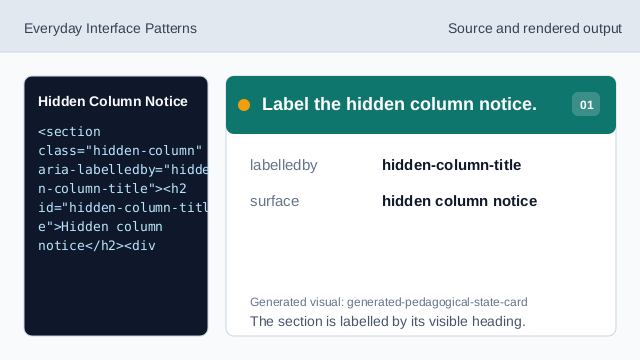
The section is labelled by its visible heading. Show hidden-column notice structure.
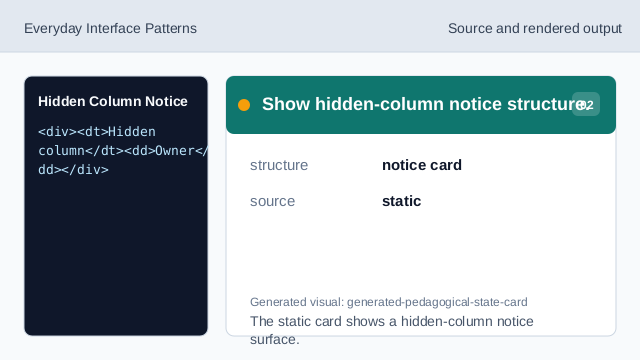
The static card shows a hidden-column notice surface. Show exact notice rows.
The hidden column, reason, and recovery values are exact pinned data. Render hidden-column-notice status.
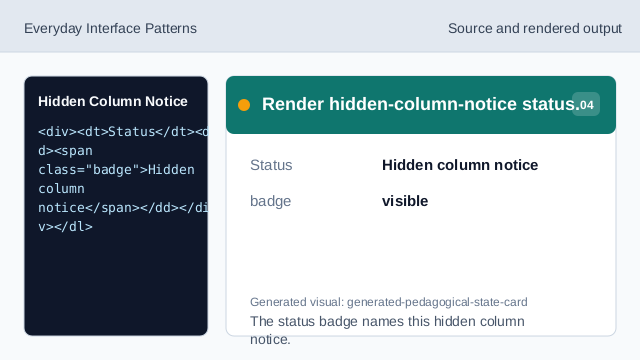
The status badge names this hidden column notice. Check hidden-column readback.
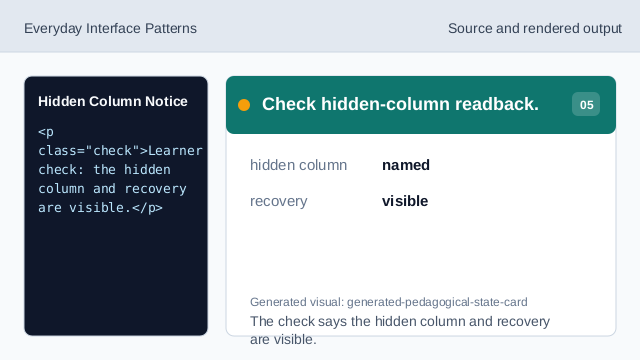
The check says the hidden column and recovery are visible. Check hidden column honesty.
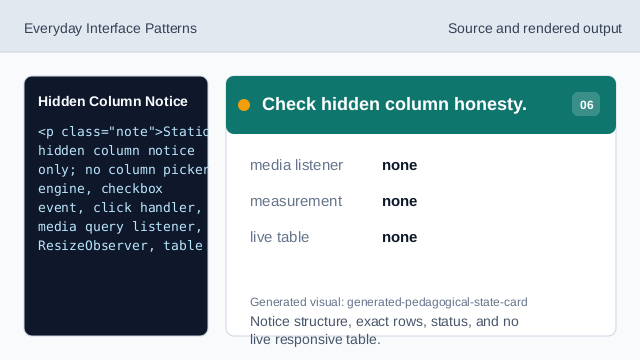
Notice structure, exact rows, status, and no live responsive table.
step flow
step(1) labels the source, step(2) shows the browser notice structure, step(3) shows exact hidden-column rows, step(4) shows hidden-column-notice status, step(5) checks hidden-column readback, and step(6) checks the honesty note.
hidden column readback
The section heading names the hidden column notice surface.
notice rows
Hidden column, Reason, Recovery, and Status values are exact pinned data.
no live responsive table
The lesson should not imply a column picker engine, checkbox events, click handlers, media query listeners, ResizeObserver, table measurement, column reflow, row mutations, sort algorithms, filter queries, APIs, networks, storage, cookies, scripts, event listeners, form submits, inputs, textareas, contenteditable surfaces, timers, analytics, object URLs, downloads, service workers, account/session behavior, live tables, live column choosers, live responsive tables, or live submissions.