Review Display Patterns
Helpful Vote State
A static helpfulness display card shows a question, 7 found this helpful count, Yes button, and no vote submission, account check, or storage.
Program
Helpfulness UI can show current display state and a visible affordance without claiming a vote was sent.
helpful_vote_state.html
Visuals: captured from real browser rendering
<section class="helpful-state" aria-labelledby="helpful-title">
  <h2 id="helpful-title">Review helpfulness</h2>
  <p>Was this review helpful?</p>
  <p><strong>7 found this helpful</strong></p>
  <button type="button">Yes</button>
  <p class="note">Static helpfulness display only; no vote submission, account check, or storage runs.</p>
</section>
<style>
  .helpful-state { display: grid; gap: 10px; max-width: 36rem; border: 1px solid #64748b; padding: 12px; }
  .helpful-state p, .note { margin: 0; }
  .helpful-state button { justify-self: start; padding: 8px 12px; }
  .note { color: #475569; }
</style>
Label the helpfulness card.
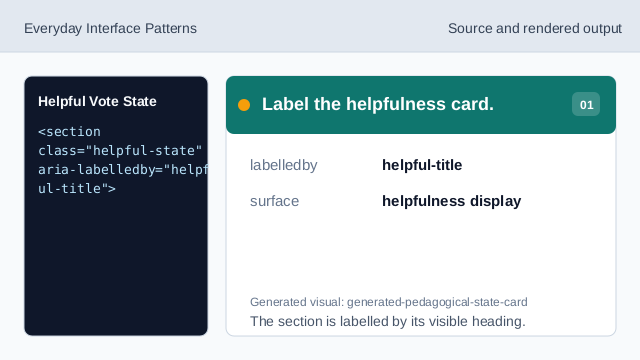
The section is labelled by its visible heading. Name the helpfulness display.
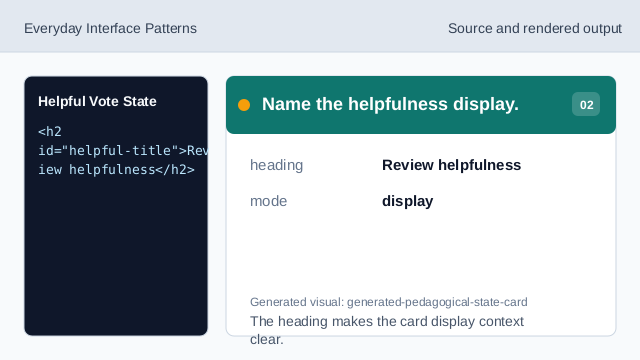
The heading makes the card display context clear. Show the helpfulness question.
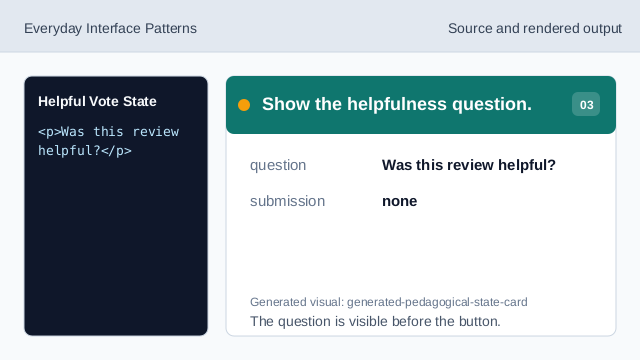
The question is visible before the button. Show the pinned helpful count.
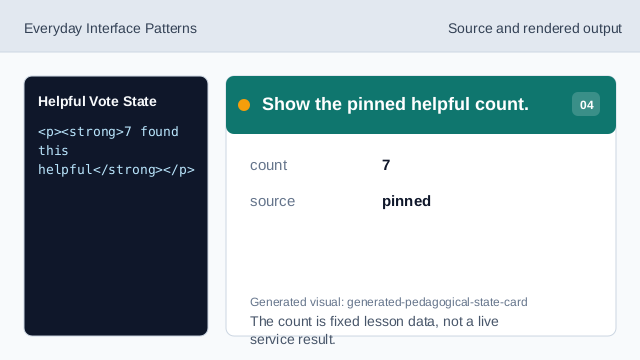
The count is fixed lesson data, not a live service result. Show the yes affordance.
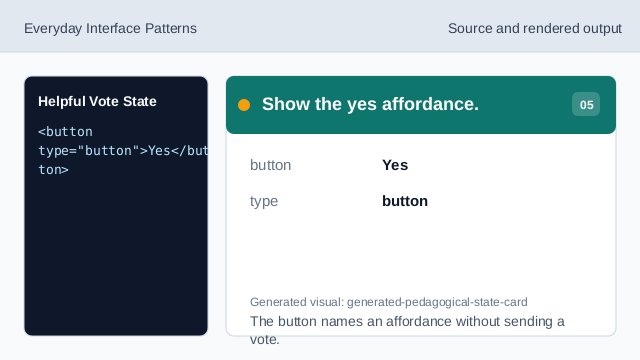
The button names an affordance without sending a vote. Check helpfulness honesty.
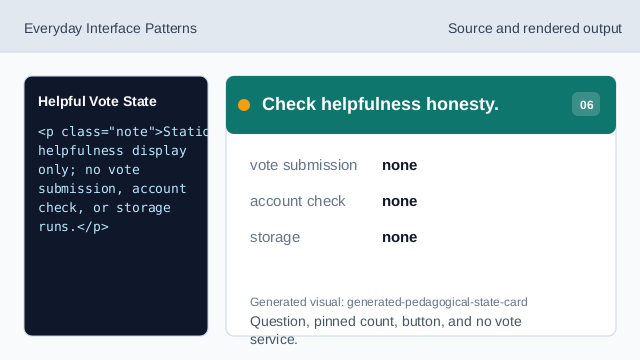
Question, pinned count, button, and no vote service.
display question
The card asks the helpfulness question as visible text.
pinned count
The helpful count is fixed lesson data.
no vote service
The lesson should not imply vote submission, account checks, or storage.