Team Handoff Patterns
Handoff Note
A static handoff note shows From Jules, To Mina, Copy draft is ready, and Last update 10:30 AM with no live feed or message service.
Program
Handoff notes should make sender, receiver, body, and timestamp readable without sending or syncing a message.
handoff_status_note.html
Visuals: captured from real browser rendering
<section class="handoff-note" aria-labelledby="handoff-note-title">
  <h2 id="handoff-note-title">Handoff note</h2>
  <dl>
    <div><dt>From</dt><dd>Jules</dd></div>
    <div><dt>To</dt><dd>Mina</dd></div>
  </dl>
  <p class="message">Copy draft is ready</p>
  <p><strong>Last update</strong> <time datetime="10:30">10:30 AM</time></p>
  <p class="note">Static handoff note only; no live feed, message send, storage, notification, or collaboration service runs.</p>
</section>
<style>
  .handoff-note { display: grid; gap: 10px; max-width: 38rem; border: 1px solid #64748b; padding: 12px; }
  .handoff-note dl { display: grid; gap: 8px; margin: 0; }
  .handoff-note dl div { display: grid; grid-template-columns: 5rem 1fr; gap: 8px; }
  .handoff-note dt { color: #475569; }
  .message { border: 1px solid #94a3b8; background: #f8fafc; padding: 10px; }
  .handoff-note dd, .handoff-note p, .note { margin: 0; }
  .note { color: #475569; }
</style>
Label the handoff note.
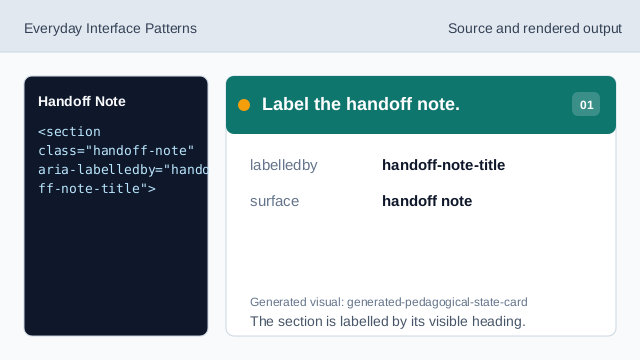
The section is labelled by its visible heading. Show the sender row.
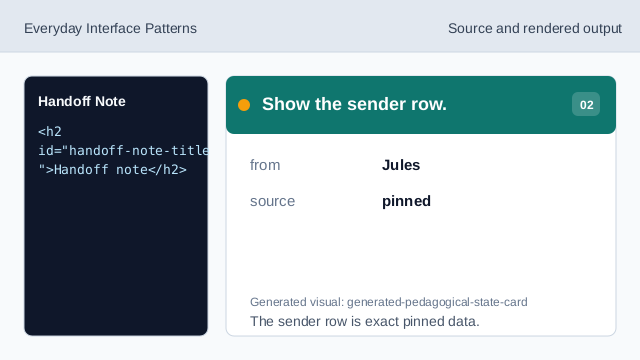
The sender row is exact pinned data. Show the receiver row.
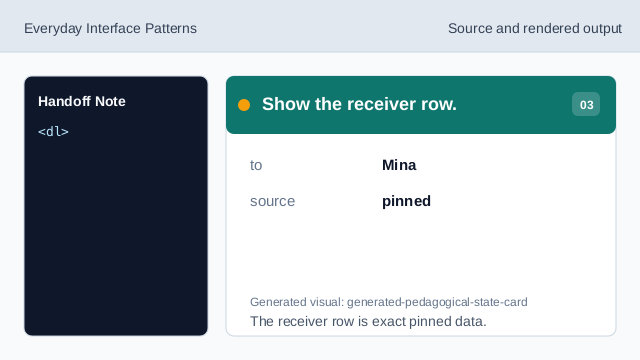
The receiver row is exact pinned data. Show the message body.
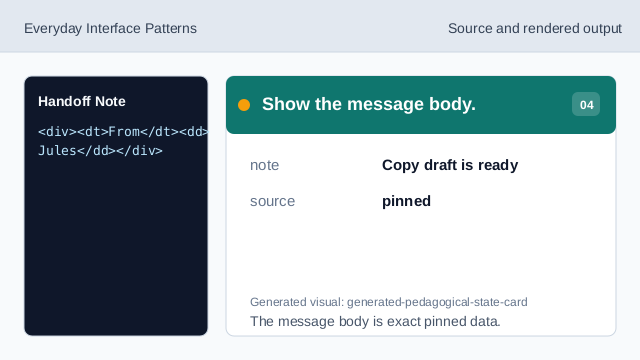
The message body is exact pinned data. Show the last update timestamp.
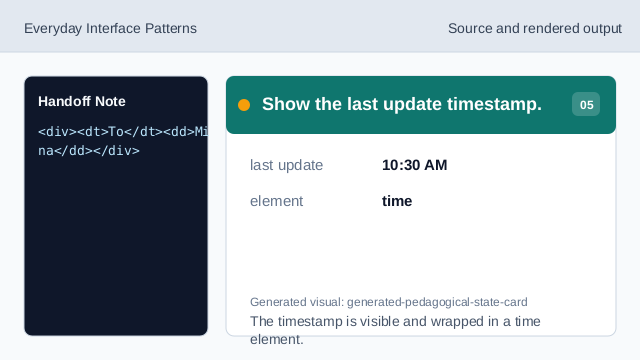
The timestamp is visible and wrapped in a time element. Check handoff-note honesty.
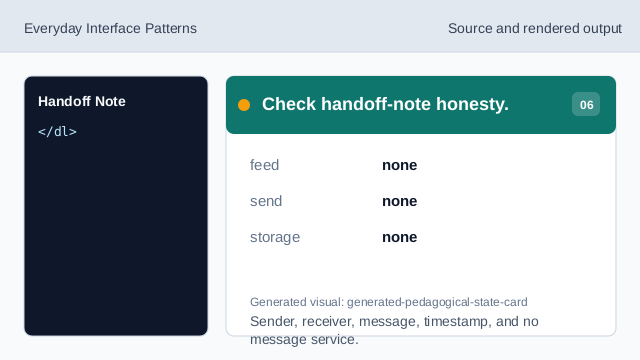
Sender, receiver, message, timestamp, and no message service.
labelled note
The note section has a visible heading.
sender receiver rows
From Jules and To Mina are exact pinned data.
no message service
The lesson should not imply live feeds, sending, storage, notifications, or collaboration services.