Onboarding Setup Patterns
Guided Tour Step
A static tour hint shows Step 1 of 3 anchored to the Project menu target, with a readback clue and no tour library, timer, or focus trap.
Program
Guided tour hints should name the target and step number without pretending to run a tour engine or modal focus trap.
guided_tour_step.html
Visuals: captured from real browser rendering
<section class="tour-shell" aria-labelledby="tour-title">
  <button type="button" id="project-menu">Project menu</button>
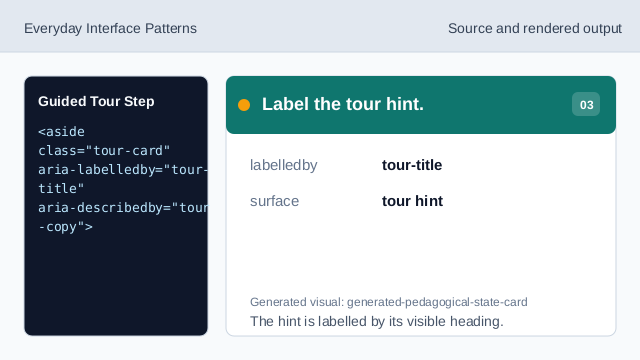
  <aside class="tour-card" aria-labelledby="tour-title" aria-describedby="tour-copy">
    <p class="step">Step 1 of 3</p>
    <h2 id="tour-title">Open the Project menu</h2>
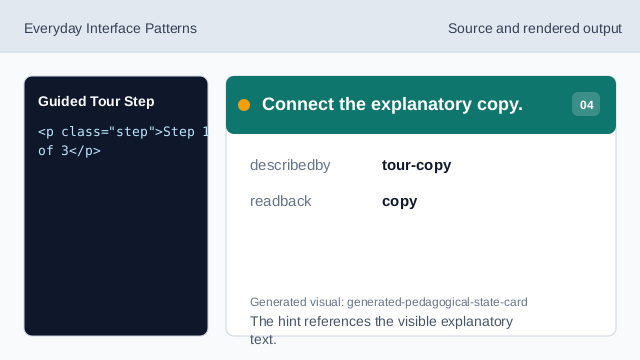
    <p id="tour-copy">Use this menu to switch projects in Northstar Studio.</p>
    <button type="button">Next tip</button>
  </aside>
  <p class="note">Static tour hint only; no tour library, timer, focus trap, or telemetry runs.</p>
</section>
<style>
  .tour-shell { display: grid; gap: 10px; max-width: 38rem; border: 1px solid #64748b; padding: 12px; }
  #project-menu { justify-self: start; padding: 8px 12px; border: 2px solid #2563eb; }
  .tour-card { display: grid; gap: 8px; border: 1px solid #2563eb; background: #eff6ff; padding: 12px; }
  .tour-card p, .note { margin: 0; }
  .step { font-weight: 700; color: #1d4ed8; }
  .tour-card button { justify-self: start; padding: 8px 12px; }
  .note { color: #475569; }
</style>
Show the tour target.
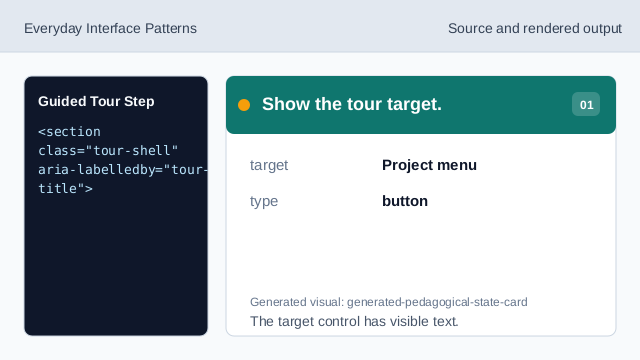
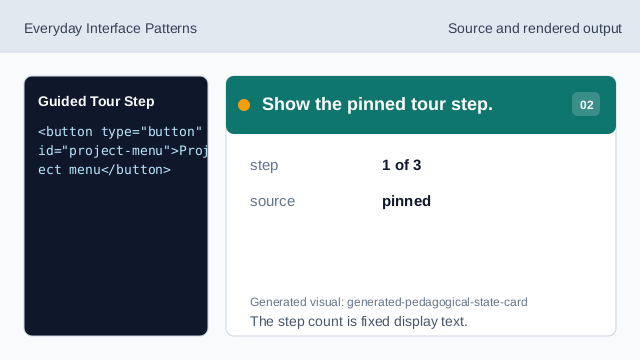
The target control has visible text. Show the pinned tour step.
The step count is fixed display text. Label the tour hint.
The hint is labelled by its visible heading. Connect the explanatory copy.
The hint references the visible explanatory text. Show the next-tip affordance.
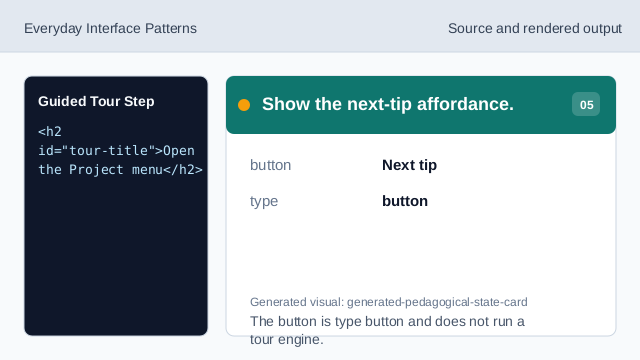
The button is type button and does not run a tour engine. Check tour honesty.
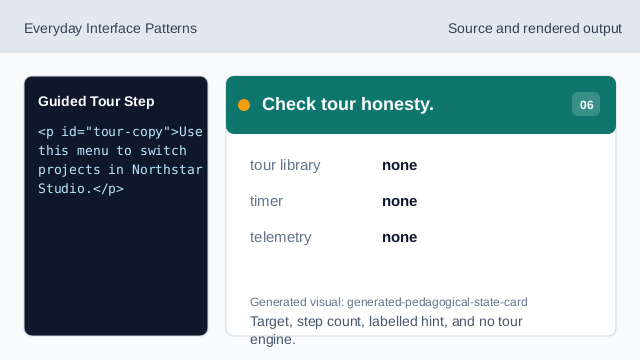
Target, step count, labelled hint, and no tour engine.
target label
The target control is labelled Project menu.
pinned step
The tour step is fixed at Step 1 of 3.
no tour engine
The lesson should not imply tour libraries, timers, focus traps, or telemetry.