Edit Conflict Review Patterns
Conflict Notice
A static edit conflict notice shows Project brief, Title updated, Mina changed summary, and Conflict shown status.
Program
Edit conflict notices should show both changes before any merge, save, or collaboration service runs.
edit_conflict_notice.html
Visuals: captured from real browser rendering
<section class="conflict-notice" aria-labelledby="conflict-notice-title"><h2 id="conflict-notice-title">Edit conflict notice</h2><dl>
  <div><dt>Document</dt><dd>Project brief</dd></div>
  <div><dt>Your change</dt><dd>Title updated</dd></div><div><dt>Other change</dt><dd>Mina changed summary</dd></div>
  <div><dt>Status</dt><dd><span class="badge">Conflict shown</span></dd></div></dl>
  <p class="check">Learner check: both changes are visible before any conflict is resolved.</p>
  <p class="note">Static edit conflict notice only; no collaboration service, realtime sync, document service, merge engine, save, conflict resolver, account lookup, notification, storage, route, API, network, script, event listener, form submit, analytics, timer, or live editing runs.</p></section>
<style>
  .conflict-notice { display: grid; gap: 10px; max-width: 38rem; border: 1px solid #b45309; padding: 12px; background: #fffbeb; }
  .conflict-notice dl { display: grid; gap: 8px; margin: 0; }
  .conflict-notice dl div { display: grid; grid-template-columns: 8rem 1fr; gap: 8px; }
  .conflict-notice dt { color: #475569; }
  .conflict-notice dd, .check, .note { margin: 0; }
  .badge { border-radius: 999px; background: #fde68a; padding: 2px 8px; }
  .note { color: #475569; }
</style>
Label the conflict notice.
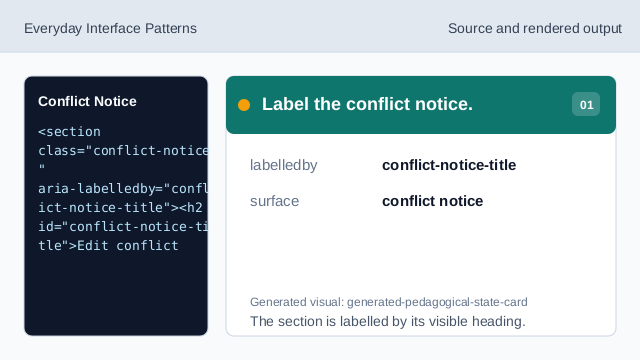
The section is labelled by its visible heading. Show document row.
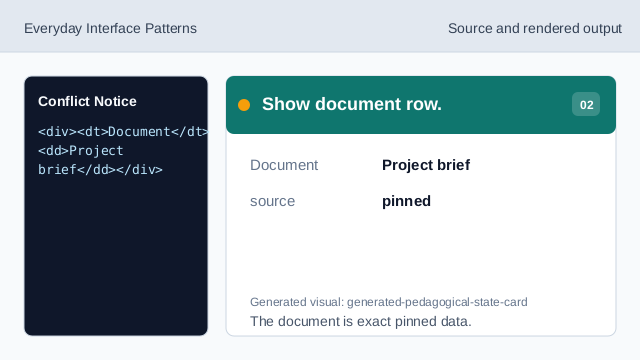
The document is exact pinned data. Show both change rows.
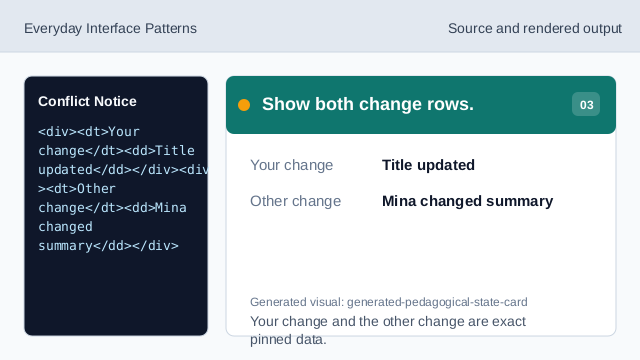
Your change and the other change are exact pinned data. Render conflict-shown status.
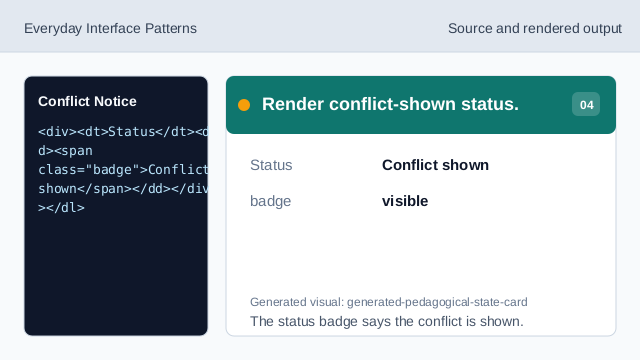
The status badge says the conflict is shown. Check conflict readback.
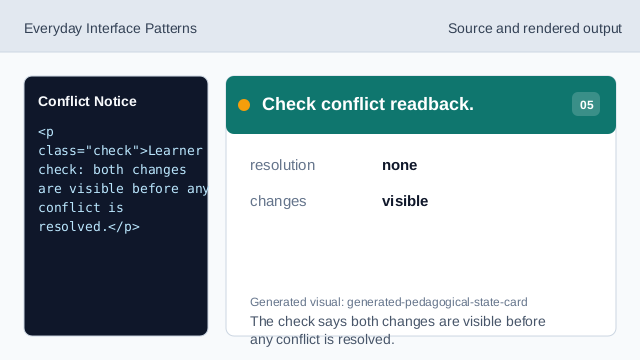
The check says both changes are visible before any conflict is resolved. Check conflict honesty.
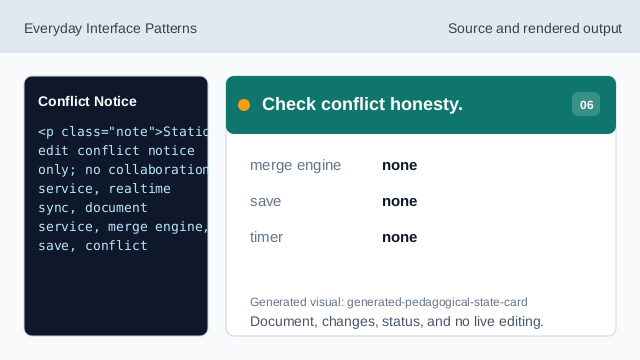
Document, changes, status, and no live editing.
step flow
step(1) labels the source, step(2) shows the document, step(3) shows your change and other change rows, step(4) shows conflict-shown status, step(5) checks the conflict readback, and step(6) checks the honesty note.
conflict readback
The section heading names the edit conflict notice surface.
conflict rows
Document, Your change, Other change, and Status values are exact pinned data.
no live editing
The lesson should not imply collaboration services, realtime sync, document services, merge engines, saves, conflict resolvers, account lookups, notifications, storage, routes, APIs, networks, scripts, event listeners, form submits, analytics, timers, or live editing.