Promotion Display Patterns
Discount Breakdown
A static order breakdown shows subtotal $40.00, promotion -$4.00, total $36.00, and no pricing calculator, tax engine, or checkout service.
Program
A promotion breakdown should make each displayed row easy to verify. This lesson uses pinned amounts only.
discount_breakdown_row.html
Visuals: captured from real browser rendering
<section class="discount-breakdown" aria-labelledby="breakdown-title">
  <h2 id="breakdown-title">Order breakdown</h2>
  <dl>
    <div><dt>Subtotal</dt><dd>$40.00</dd></div>
    <div><dt>Promotion</dt><dd>-$4.00</dd></div>
    <div><dt>Total</dt><dd>$36.00</dd></div>
  </dl>
  <p class="note">Static discount breakdown only; no pricing calculator, tax engine, or checkout service runs.</p>
</section>
<style>
  .discount-breakdown { display: grid; gap: 10px; max-width: 36rem; border: 1px solid #64748b; padding: 12px; }
  .discount-breakdown dl { display: grid; gap: 6px; margin: 0; }
  .discount-breakdown div { display: flex; justify-content: space-between; gap: 16px; }
  .discount-breakdown dd { margin: 0; font-variant-numeric: tabular-nums; }
  .note { color: #475569; margin: 0; }
</style>
Label the breakdown section.
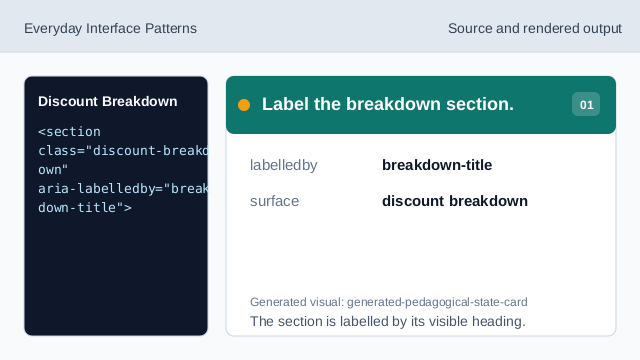
The section is labelled by its visible heading. Show the breakdown heading.
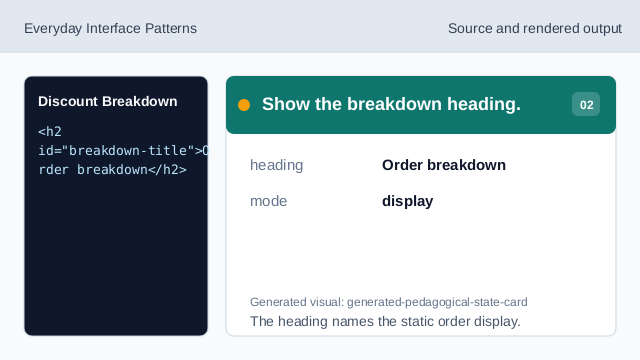
The heading names the static order display. Use rows for amounts.
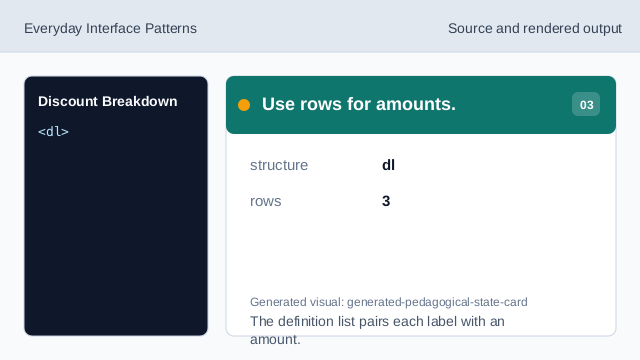
The definition list pairs each label with an amount. Show the pinned subtotal.
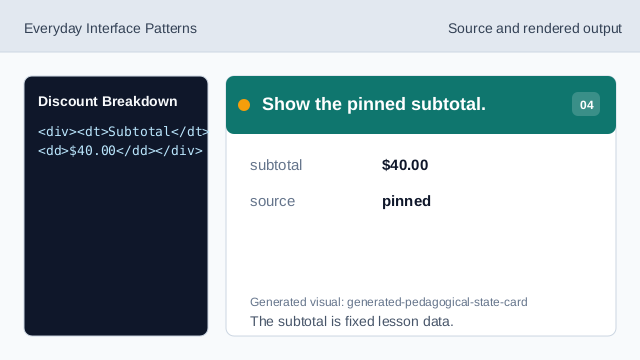
The subtotal is fixed lesson data. Show the promotion row.
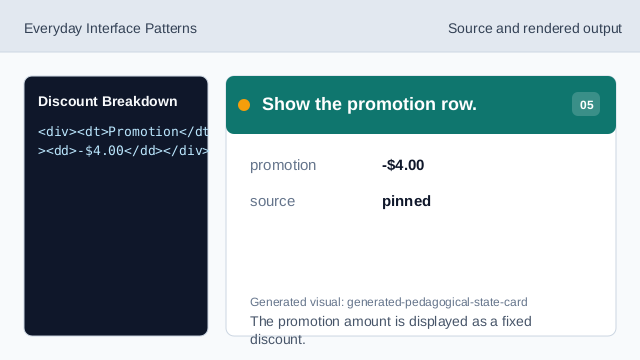
The promotion amount is displayed as a fixed discount. Show the pinned total.
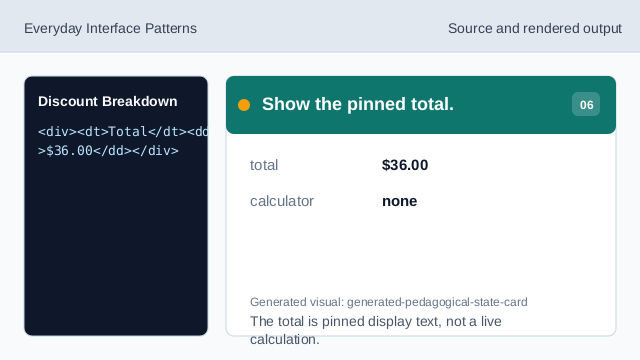
The total is pinned display text, not a live calculation. Check breakdown honesty.
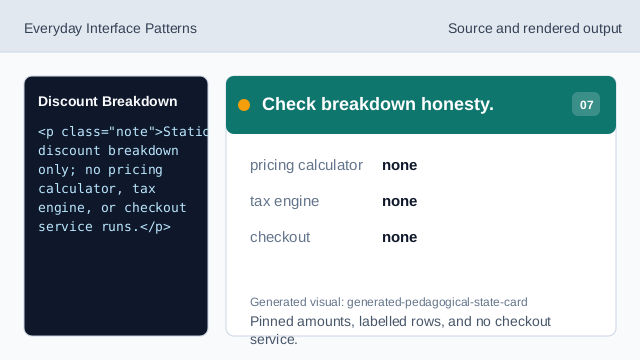
Pinned amounts, labelled rows, and no checkout service.
breakdown rows
The subtotal, promotion, and total rows are pinned display data.
tabular numbers
Tabular number styling helps amounts line up visually.
no checkout
The lesson should not imply pricing, tax, or checkout services.