Navigation Feedback Patterns
Current Nav Link
A navigation link uses aria-current, a visible style, and a click handler that moves the current state to the chosen link.
Program
Current navigation feedback tells users where they are. The current state should be visible and exposed with aria-current.
current_nav_link.html
Visuals: captured from real browser rendering
<nav aria-label="Main">
  <a href="/home">Home</a>
  <a href="/settings" aria-current="page">Settings</a>
</nav>
<p id="nav-status" role="status">Settings is current.</p>
<style>
  [aria-current="page"] { font-weight: 700; border-bottom: 3px solid #0f766e; }
</style>
<script>
  const navLinks = document.querySelectorAll("nav a");
  const navStatus = document.querySelector("#nav-status");
  navLinks.forEach(link => link.addEventListener("click", event => {
    event.preventDefault();
    navLinks.forEach(item => item.removeAttribute("aria-current"));
    link.setAttribute("aria-current", "page");
    navStatus.textContent = `${link.textContent} is current.`;
  }));
</script>
Name the navigation region.
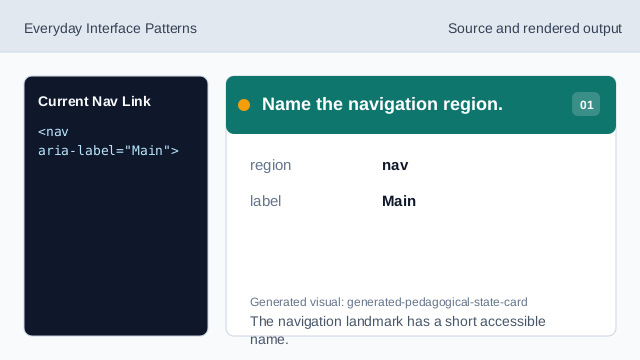
The navigation landmark has a short accessible name. Mark the current link.
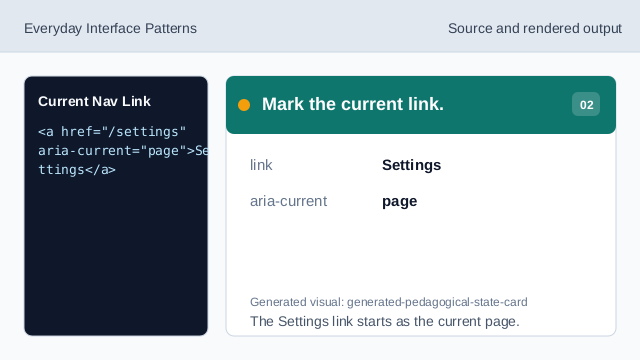
The Settings link starts as the current page. Style the current link.
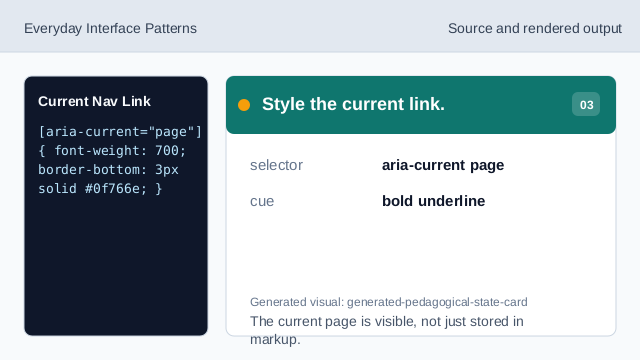
The current page is visible, not just stored in markup. Listen for navigation clicks.
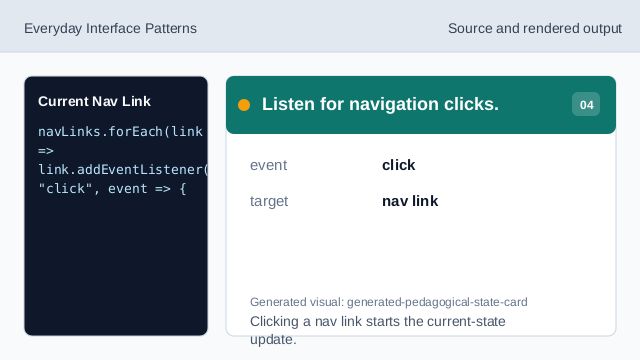
Clicking a nav link starts the current-state update. Clear the previous current link.
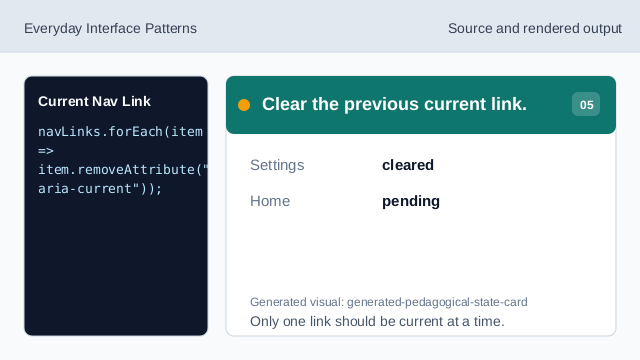
Only one link should be current at a time. Set the clicked link current.
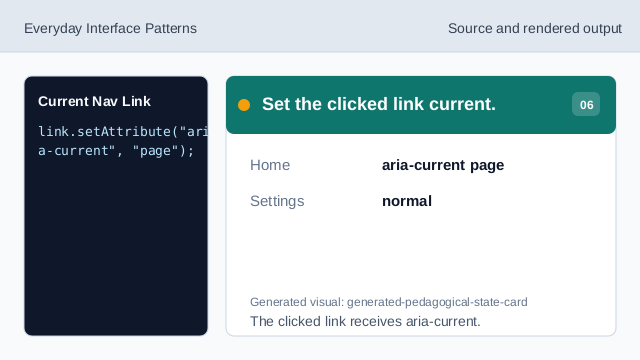
The clicked link receives aria-current. Render the current-page status.
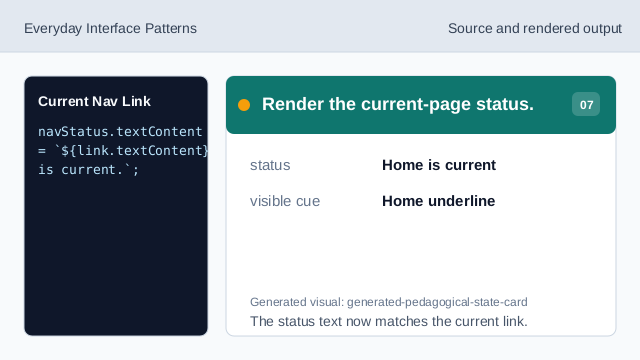
The status text now matches the current link.
aria-current
aria-current marks the item that represents the current page or step.
navigation label
aria-label names a navigation region when there is no visible heading.
status text
A status message confirms the current location after interaction.