Media Playback Patterns
Audio Control
A static audio control surface shows title, pause state, time, progress, and a no-stream note.
Program
Media controls can show the current state without depending on real playback. This lesson uses pinned display data and no audio stream.
audio_control_state.html
Visuals: captured from real browser rendering
<section class="audio-card" aria-labelledby="audio-title">
  <h2 id="audio-title">Lesson recap audio</h2>
  <button type="button" aria-pressed="true">Pause</button>
  <p><time datetime="PT0M45S">00:45</time> elapsed, <time datetime="PT2M15S">02:15</time> remaining</p>
  <progress value="45" max="180" aria-label="Audio progress 45 seconds of 3 minutes"></progress>
  <p class="note">Static controls only; no audio stream plays in this lesson.</p>
</section>
<style>
  .audio-card { display: grid; gap: 10px; max-width: 34rem; border: 1px solid #94a3b8; padding: 12px; }
  .audio-card button { justify-self: start; padding: 8px 12px; }
  .audio-card progress { width: 100%; height: 1rem; }
  .audio-card p, .note { margin: 0; }
  .note { color: #475569; }
</style>
Label the audio control surface.
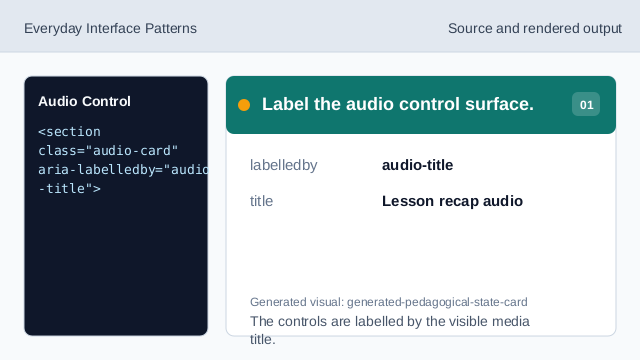
The controls are labelled by the visible media title. Show the pinned media title.
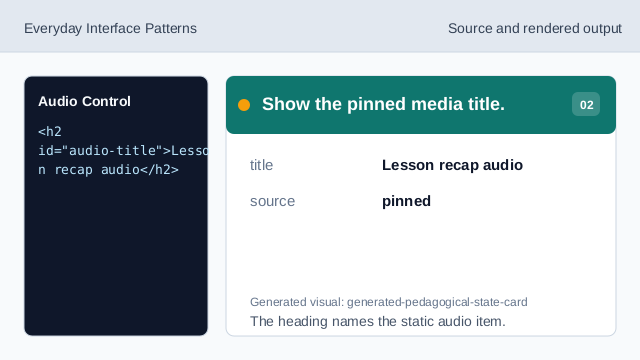
The heading names the static audio item. Show the paused/play state button.
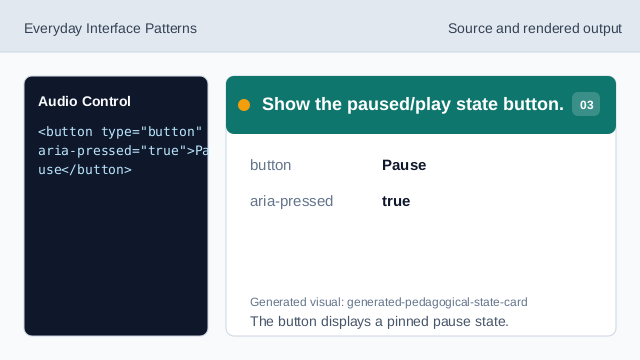
The button displays a pinned pause state. Show elapsed and remaining time.
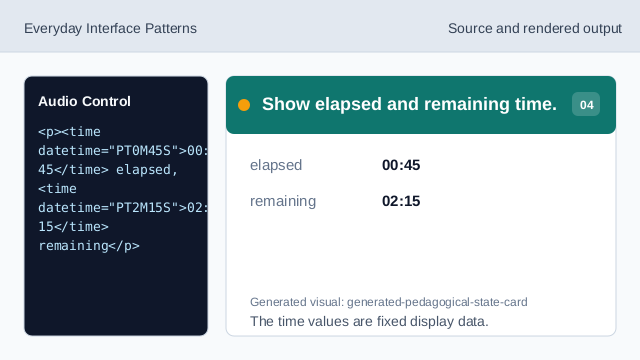
The time values are fixed display data. Show the progress bar.
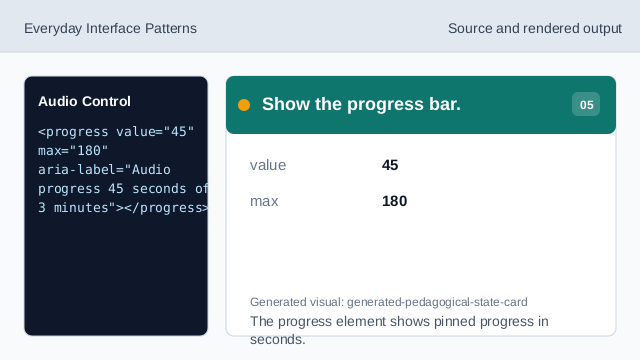
The progress element shows pinned progress in seconds. Check the static audio controls.
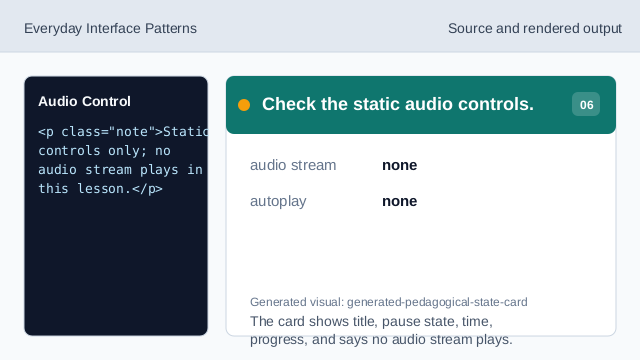
The card shows title, pause state, time, progress, and says no audio stream plays.
static controls
The control surface shows pinned playback state without media playback.
time values
Elapsed and remaining times are exact display values.
progress value
The progress bar uses pinned seconds, not a live stream.