Approval Review Patterns
Approval Status
A static approval status card shows Beta landing copy, approver Priya, Waiting for sign-off, and due date July 20, 2026.
Program
Approval status cards should show who needs to sign off and when without approving, saving, routing, or sending anything.
approval_status_card.html
Visuals: captured from real browser rendering
<section class="approval-card" aria-labelledby="approval-title">
  <h2 id="approval-title">Approval status</h2>
  <dl>
    <div><dt>Item</dt><dd>Beta landing copy</dd></div>
    <div><dt>Approver</dt><dd>Priya</dd></div>
    <div><dt>Status</dt><dd><span class="badge">Waiting for sign-off</span></dd></div>
    <div><dt>Due</dt><dd><time datetime="2026-07-20">July 20, 2026</time></dd></div>
  </dl>
  <button type="button">Review approval</button>
  <p class="note">Static approval status only; the button does not route, save, send, approve, or call a workflow service.</p>
</section>
<style>
  .approval-card { display: grid; gap: 10px; max-width: 38rem; border: 1px solid #64748b; padding: 12px; }
  .approval-card dl { display: grid; gap: 8px; margin: 0; }
  .approval-card dl div { display: grid; grid-template-columns: 7rem 1fr; gap: 8px; }
  .approval-card dt { color: #475569; }
  .approval-card dd, .note { margin: 0; }
  .badge { border-radius: 999px; background: #fef3c7; padding: 2px 8px; }
  .approval-card button { justify-self: start; padding: 8px 12px; }
  .note { color: #475569; }
</style>
Label the approval status card.
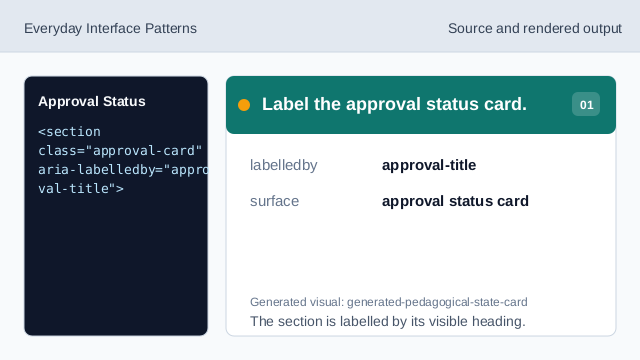
The section is labelled by its visible heading. Show the item row.
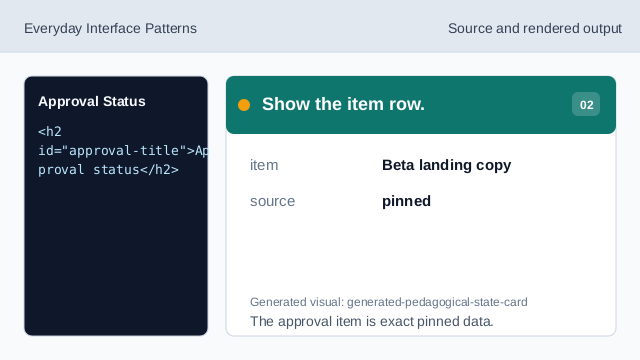
The approval item is exact pinned data. Show the approver row.
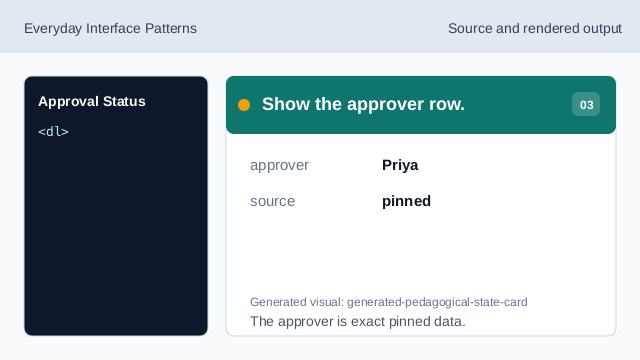
The approver is exact pinned data. Show the status badge.
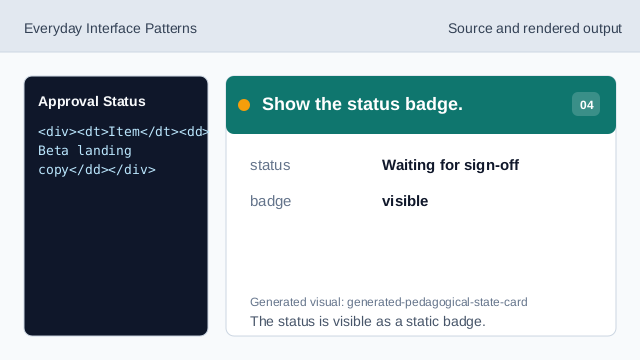
The status is visible as a static badge. Show the due date readback.
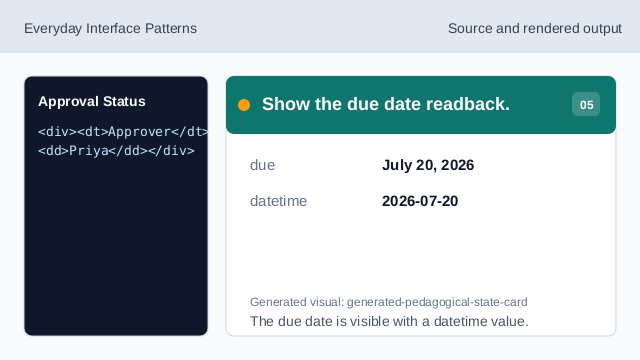
The due date is visible with a datetime value. Check approval status honesty.
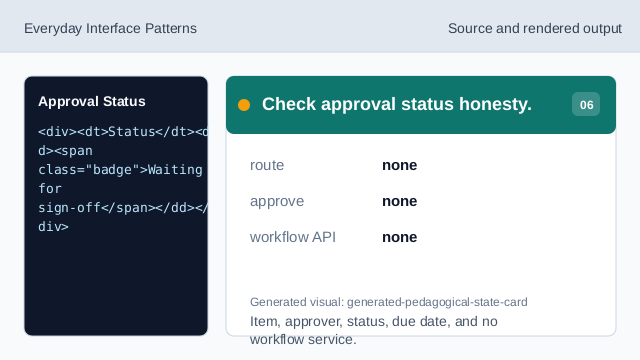
Item, approver, status, due date, and no workflow service.
labelled card
The section heading names the approval status surface.
approver row
Priya is the pinned approver value.
no workflow service
The lesson should not imply routing, saving, sending, approving, or workflow APIs.